What Are Store Themes
Store Themes define the layout and design of your product pages, allowing you to choose a style that fits your brand and attracts your customers. Cartley offers a variety of professional, ready to use themes to suit different store needs.
Why Themes Matter
Choosing the right template has a significant impact on customer experience and sales:
· First Impression: The product page layout is the first thing your customer sees.
· Easy Navigation: A well-designed theme helps customers find what they’re looking for effortlessly.
· Professionalism: A clean and organized design builds customer trust.
· Product Fit: Each product type requires a different presentation style
How to Access Store Templates Settings on Cartley
1. Log in to your store’s Dashboard on Cartley .
2. From the right side of the screen, select the Settings section.
3. A menu will appear—choose Themes.
4. A window will then appear displaying several available themes.
Available Themes on Cartley
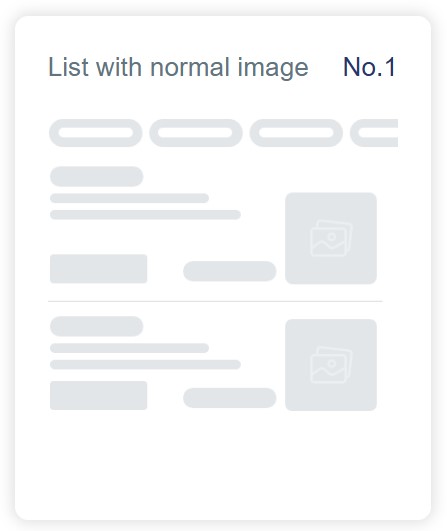
1. List with Normal Image
Design Description:
• Displays products in a vertical list.
• Medium-sized product image on the side.
• Product information (name, price, description) displayed next to the image.
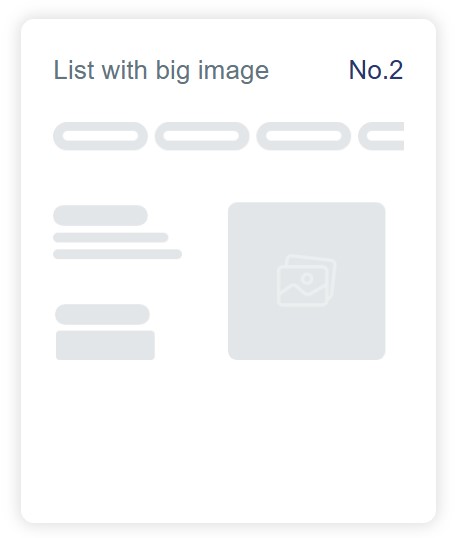
2. List with big Image
Design Description:
• Displays products in a list format.
• Large, prominent product image.
• Minimal information next to the image.
• Focuses on strong visual appeal.
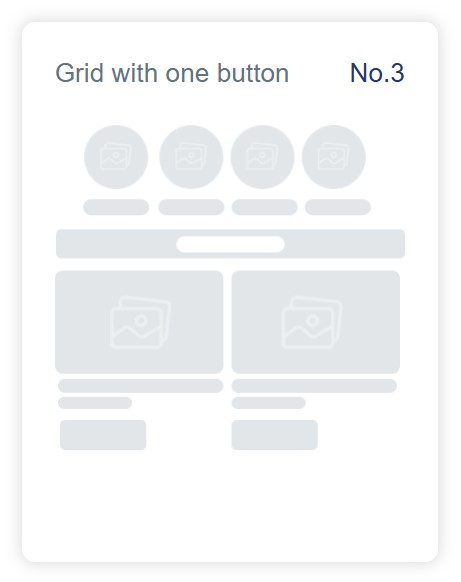
3. Grid with One Button
Design Description:
• Displays products in a grid (rows and columns).
• Circles at the top (possibly for categories).
• Large image for each product.
• One action button (e.g., “Add to Cart”).
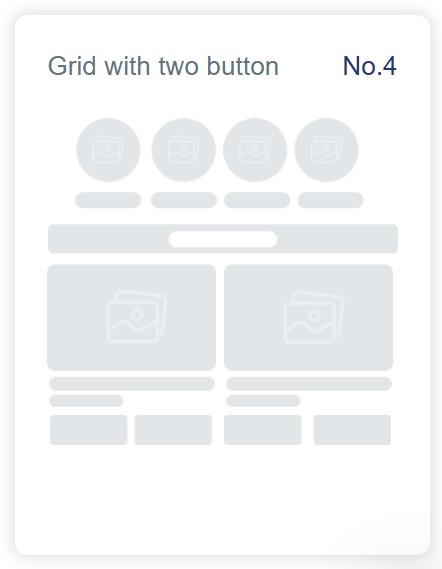
4. Grid with Two Buttons
Design Description:
• Similar to Template #3.
• Includes two action buttons per product.
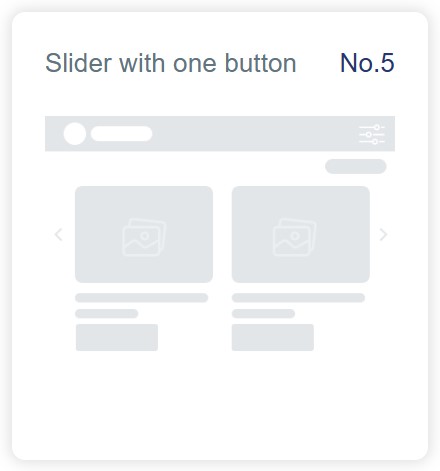
5. Slider with One Button
Design Description:
• Displays products in a horizontal slider.
• Customers can swipe right or left to view more.
• Large image for each product.
• One action button.
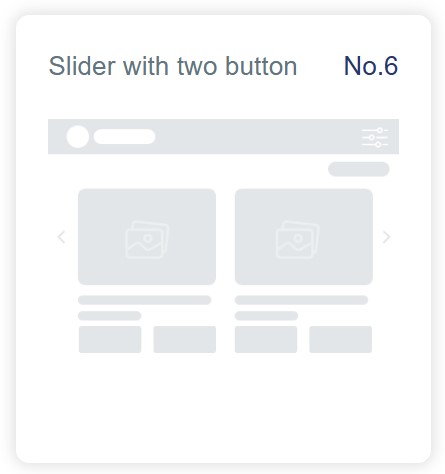
6. Slider with Two Buttons
Design Description:
• Similar to Template #5.
• Includes two action buttons per product.