The Importance of SMS in E-Commerce
SMS messages are an effective communication tool in e-commerce, enabling stores to keep customers instantly informed about their order status with speed and reliability. Through the messaging system in Cartley , store owners can manage customer notifications professionally and efficiently, enhancing trust and improving the shopping experience. With a 98% read rate within minutes, SMS messages are more effective than email in ensuring instant communication and reducing customer inquiries.
How to Access SMS Settings
1. Log in to your store’s Dashboard on Cartley .
2. From the right side of the screen, select the Settings section.
3. A menu will appear—choose SMS Settings.
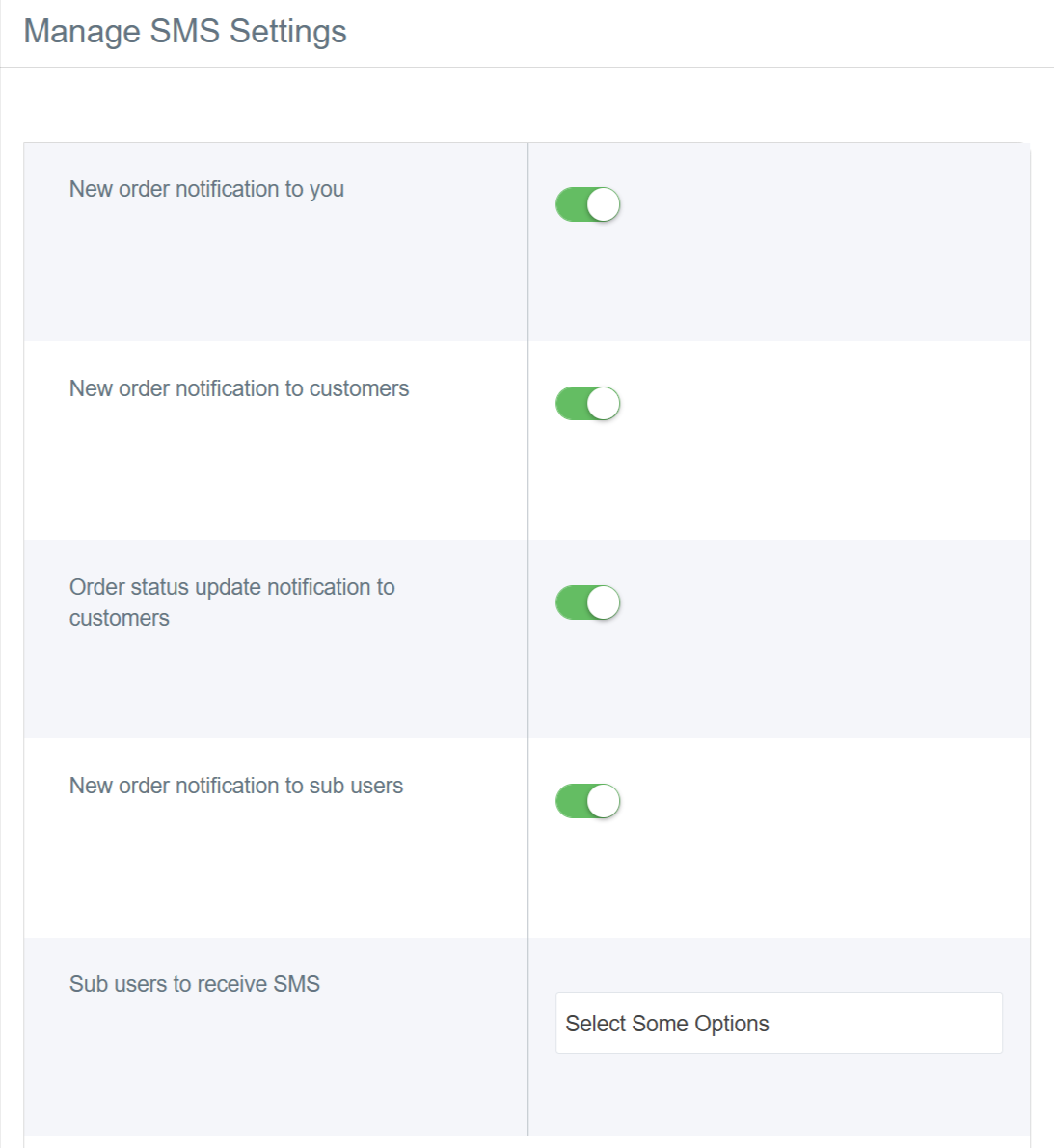
4. A window will then appear containing:
Types of SMS Messages in Cartley Platform
1. New Order Notification to you
This message is sent to the store owner, not the customer. When enabled, the owner receives an instant message every time a new order is placed in the store.
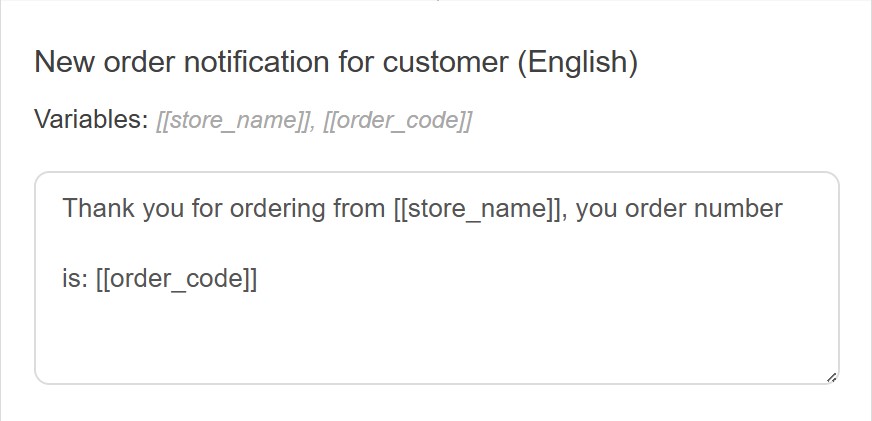
2. New Order Notification to Customer
This message is automatically sent to the customer once the purchase is completed. It includes an order confirmation and order number, reassuring the customer that their order has been received successfully. It serves as an initial electronic receipt and helps build trust from the first purchase moment.
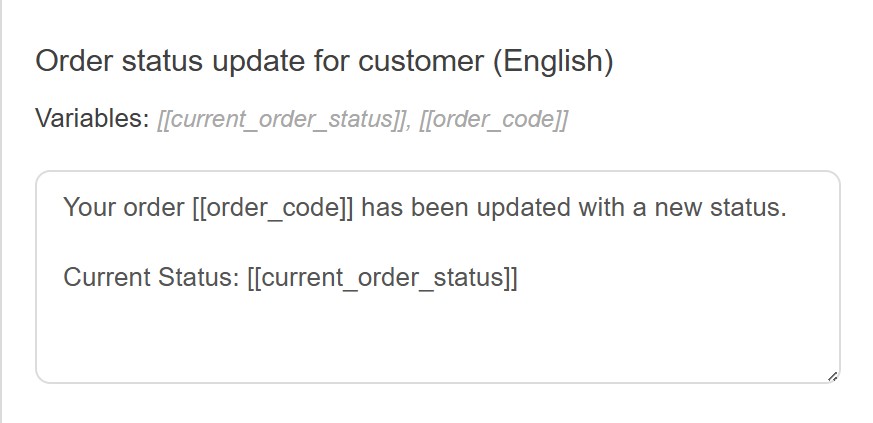
3. Order Status Update Notification to Customer
Perhaps the most important message from the customer’s perspective. When you update the order status in your control panel such as “Pending,” “Preparing,” “On Delivery,” or “Delivered” the customer instantly receives a message notifying them of the update. This greatly reduces the need for customers to contact you for order updates and promotes transparency.
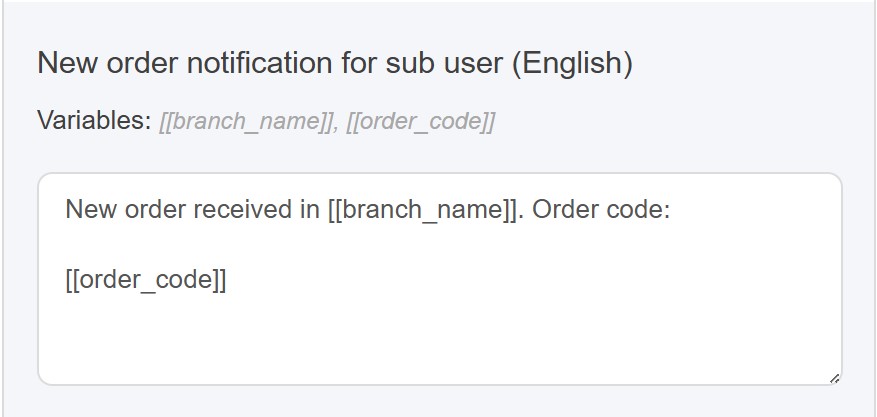
4. New Order Notification for Sub-Users
If your store has sub-users, this option allows you to send notifications to them. When a new order is received for a specific branch, the sub-user assigned to that branch receives an instant notification. This feature helps distribute work efficiently and ensures orders are processed effectively in stores with a multi-level organizational structure. You can activate it for a single sub-user or for all of them.
Customizing Message Content
One of the standout features of Cartley messaging system is the ability to fully customize message content. The platform provides ready-to-use templates in English, allowing you to communicate with customers in their preferred language. Each message includes dynamic variables like order number, store name, and branch name, which are automatically replaced with actual details when the message is sent.
How to Activate SMS
- To activate SMS: Click the toggle button so it turns green (enabled).
- To deactivate SMS: Click the toggle button so it turns red (disabled).