Why Bank Informations Are Important
Adding your bank details accurately in your store’s control panel on Cartley is a crucial step to ensure that your sales revenue is transferred directly to your bank account smoothly and without delays. This process guarantees the continuous operation of your business efficiently and prevents any issues or interruptions in receiving your payments.
How to Access the Bank Information Page
1. Log in to your store’s control panel on Cartley .
2. From the main menu on the right side of the screen, scroll down and choose the Settings section.
3. Click on Settings to open the sub-settings menu. From this list, select Bank Information.
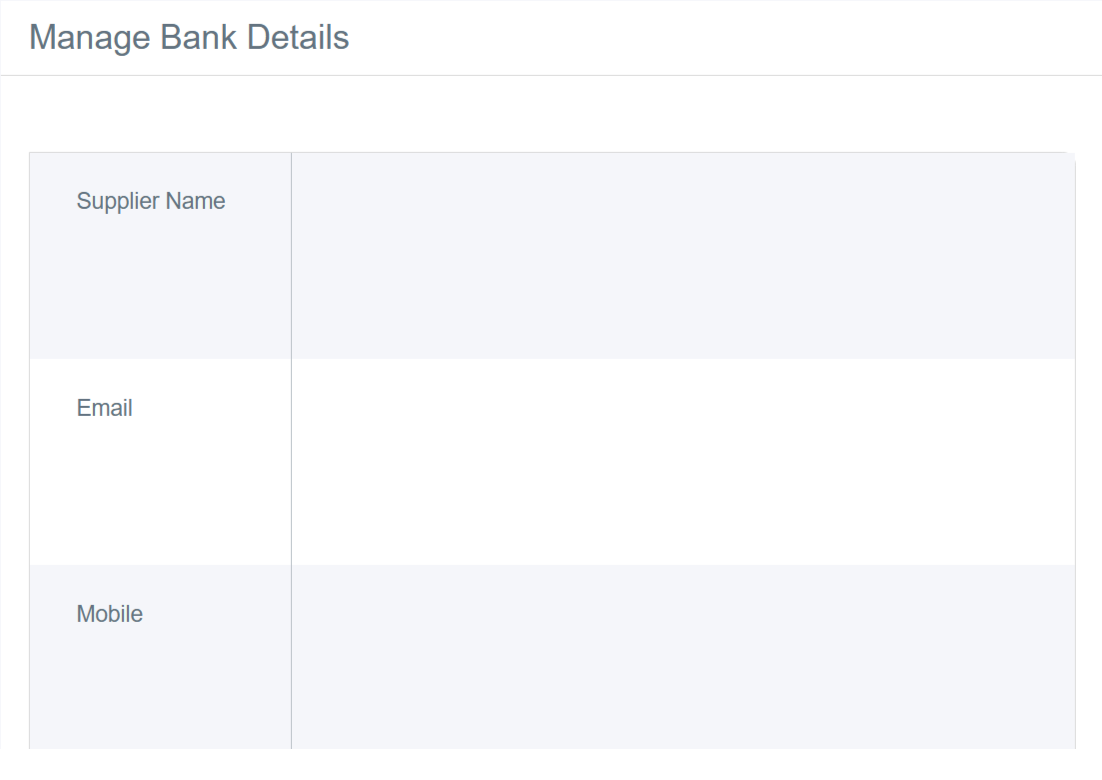
4. You will see the data entry form, which includes:
· Supplier Name: Refers to the store owner.
· Email: The store’s official email or the dedicated contact email, which will be used to send notifications regarding financial transfers and other finance-related communications.
· Mobile: May be used for identity verification or emergency contact related to transfers.
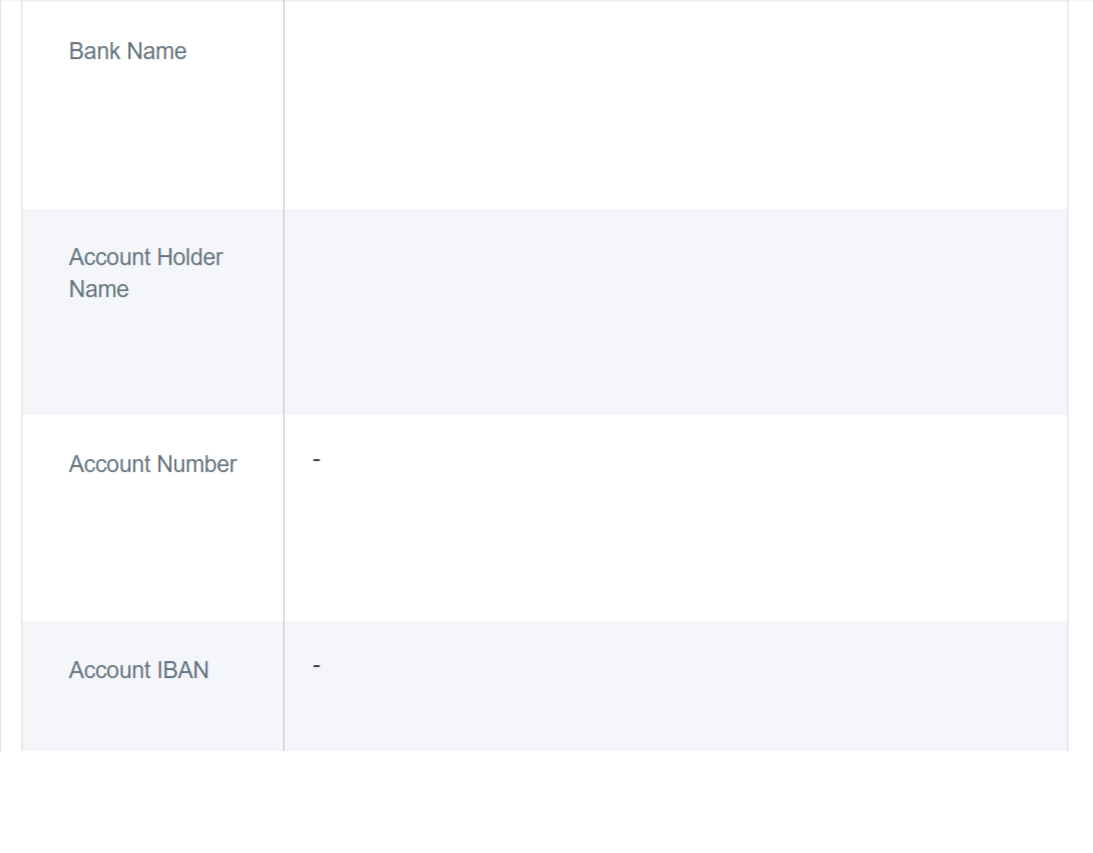
· Bank Name: Enter the full official name of your bank.
· Account Holder Name: Enter the full name of the bank account holder exactly as printed on your bank card or as registered on the bank statement.
· Account Number: Your local traditional bank account number.
· International Bank Account Number (IBAN): The internationally recognized standard for bank transfers, which significantly reduces errors and ensures funds are sent to the correct account quickly.