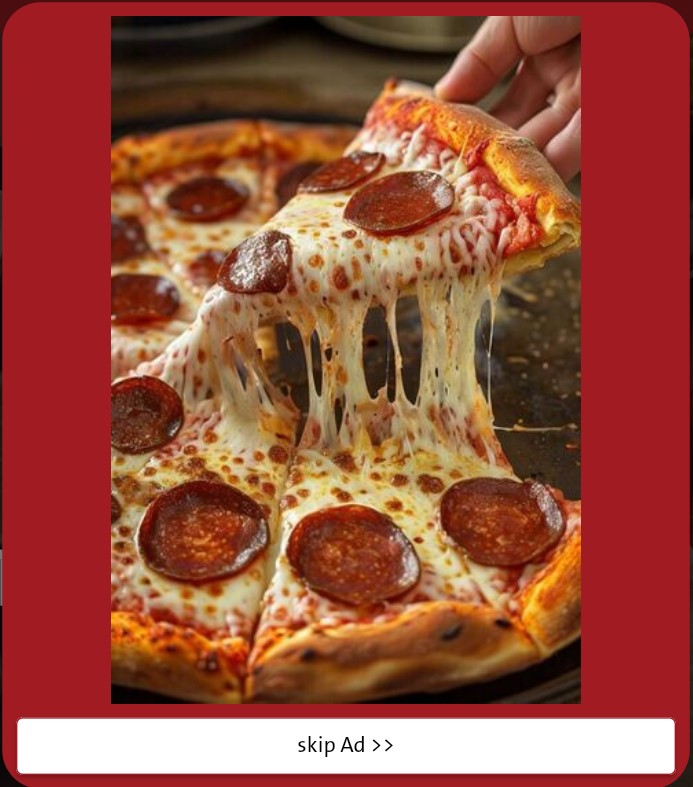
Importance Of AD Banner
The front interface of your online store forms the first impression that defines the visitor’s experience. Therefore, its banners play a vital role in attracting attention and increasing sales. They serve as powerful marketing tools that highlight your store’s identity, products, and offers in a visually impactful way within just a few seconds of entry. Based on this importance, Mnasati provides an integrated and flexible system for managing front-page banners professionally, helping store owners enhance user experience and significantly boost conversion rates.
How to Access the AD Banner Settings
1. Log in to your store’s Dashboard on Mnasati.
2. From the right side of the screen, select the Settings section.
3. A menu will appear—choose AD Banner.
4. A window will then appear containing:
Components of the AD Banner
· Banner Image: This is the most important element in your advertisement. It is a horizontal image usually placed on the website or page to promote a product, service, or marketing campaign. The platform requires an image in JPG or PNG format with a minimum size of 500×500 pixels.
· Link: Here, you add the URL to which visitors will be directed when they click on the image, turning your banner into an interactive tool.
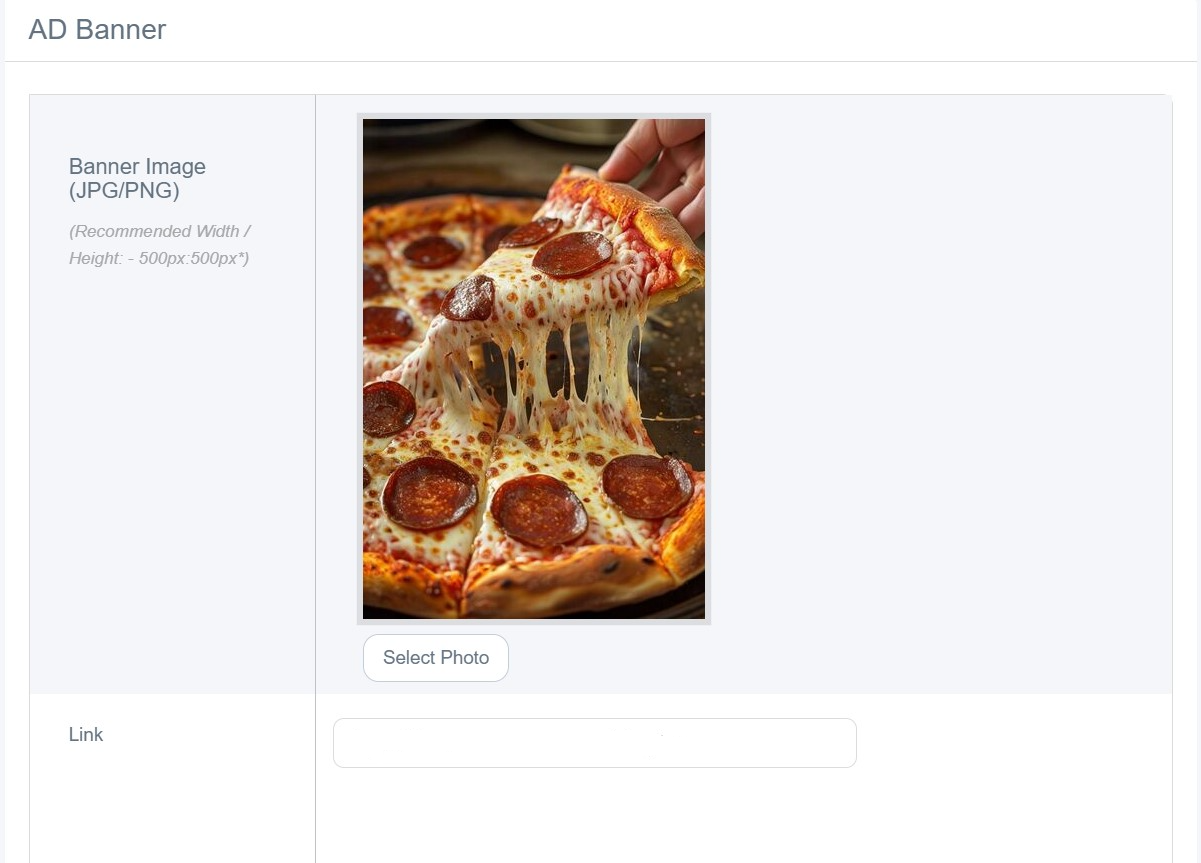
· Status (Enable/Disable): This green button allows you to activate or deactivate the banner with a single click.
· Select Save to display as follows